
Evaluate · Free savings assessment
Free AWS Savings Assessment – Results Within About 24 Hours
Discover precisely how much your organization can save. The assessment is read-only: it shows which fixers apply to your environment, your immediate savings and the potential annual savings across your AWS estate, before you decide anything.
The assessment behind the number
- $2B+
- AWS spend analyzed
- 500+
- companies
- 23%
- average off the total AWS bill
Quick and easy
Three steps to your savings report.
About 5 minutes to connect. Results typically within 24 hours. You can connect multiple AWS accounts and see every recommendation in one place.
Connect read-only roles
CloudFix uses AWS’s recommended pattern for cross-account access: read-only IAM roles deployed through a CloudFormation stack. No long-term credentials, passwords or access keys.
CloudFix reads what it needs
It creates and queries a Cost and Usage Report and reads resource configurations. Nothing in your account changes.
See your savings
A read-only scan generates savings recommendations by service, typically within 24 hours. This is where you find out how much you can save.
After the assessment
You approve what runs. Nothing changes until you do.
Step 1 · Finder
It spots the waste.
The finder reads your account with a read-only role and flags every gp2 volume that can move to gp3.
vol-0a3f…c19 gp2 · 500 GiB
us-east-1 · attached to i-07…e2Step 2 · You
You approve it.
It appears in your Recommendations view with what it would save. Nothing runs until you switch it on.
EBS Retype Gp2 to Gp3 Volumes
12 volumesStep 3 · Fixer
It makes the change.
The fixer runs as an AWS Systems Manager Automation runbook in your account. It takes a snapshot, retypes the volume and logs the execution.
snapshot snap-0e1…
retyped gp2 → gp3
execution logged
Example resource IDs. The mechanic is the EBS Retype Gp2 to Gp3 Volumes fixer's own: “Retype EBS volumes from GP2 to GP3 after taking a snapshot.”
Prefer a person?
Talk to an AWS cost expert.
A 15-minute call. We’ll answer your questions, walk you through the setup and show you what your personalized recommendations will look like.
Example finders
- CloudTrailCloudTrail Disable Duplicate TrailDisableDuplicate TrailDelete duplicate AWS CloudTrail trails to reduce logging costs. CloudFix identifies accounts with redundant trails and consolidates them.Automated fixer
- CloudFrontCloudFront Turn on CompressionTurn onCompressionEnable CloudFront compression to reduce CDN data transfer costs by up to 65%. CloudFix identifies distributions and enables compression automatically.Automated fixer
- EBSEBS Retype IO1/IO2 to Gp3 Volumesio1/io2→gp3Retype EBS volumes from IO to GP3 after taking a snapshot.Automated fixer
What AWS experts are saying
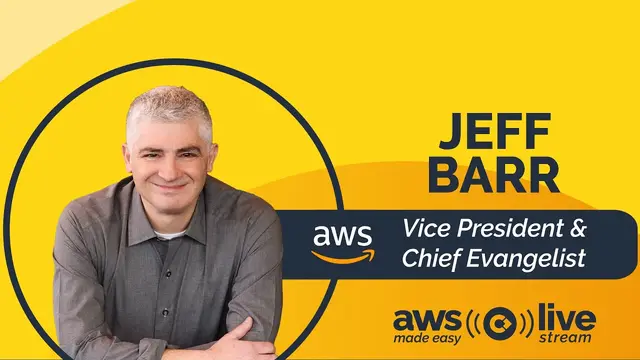
Jeff Barr, from AWS Made Easy ep. 55, “Busting AWS Myths”
AWS’s Chief Evangelist on the difference between reducing costs and freeing up more budget to do more things in the cloud.
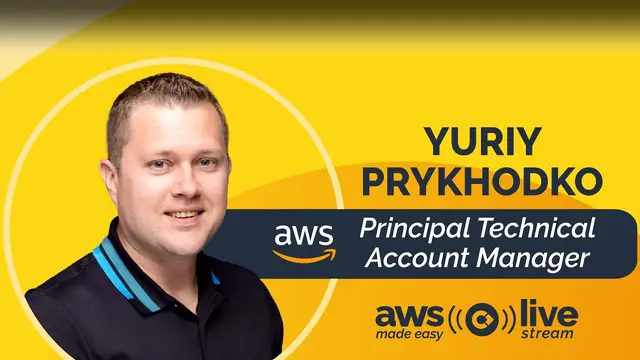
Yuriy, from AWS Made Easy ep. 60, “Cloud Intelligence Dashboards”
AWS Principal Technical Account Manager shares why, seemingly counterintuitively, AWS is invested in helping its customers reduce costs.
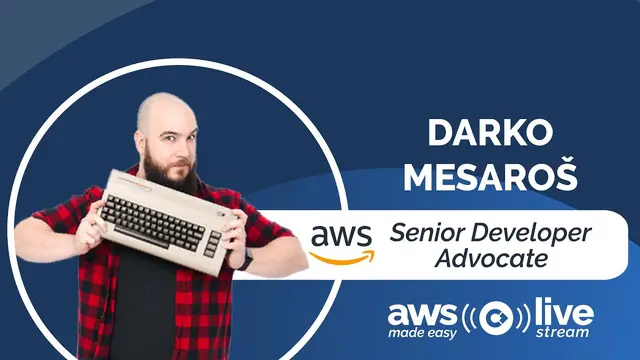
Darko Mesaros, from AWS Made Easy ep. 63, “Developer Advocacy”
AWS Senior Developer Advocate discusses why cost optimization goes under the radar and how to showcase what you’re truly saving.
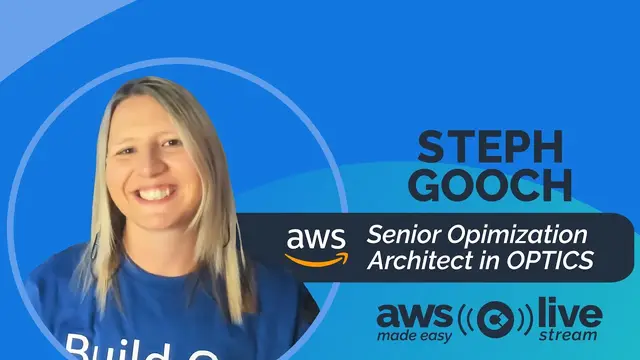
Steph Gooch, from AWS Made Easy ep. 59, “The Keys to Cost Optimization”
AWS Sr. Optimization Architect explains how to overcome roadblocks to implementing cost savings measures.
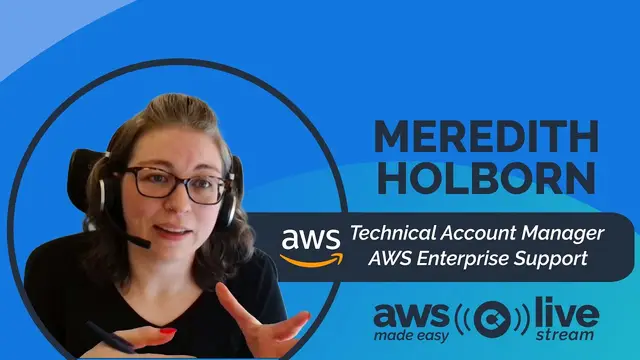
Meredith Holborn, from AWS Made Easy ep. 48, “Cloud Intelligence Dashboards”
AWS TAM breaks down AWS’s savings plan options, including why you should modernize from gp2 to gp3.
Keith Hodo, from AWS Made Easy ep. 61, “Architecting for the Enterprise”
AWS Partner Solutions Architect reveals the best way to get more “bang for your buck” on AWS.

Start your free savings assessment
Connect a read-only CloudFormation stack in about 5 minutes. Savings by service are typically ready within 24 hours, and you decide what, if anything, gets fixed.
Start free assessmentBook a walkthrough
Not ready to connect an account? Estimate your savings with the calculator.