CloudWatch
Stop Paying for Silent CloudWatch Alarms
Stop paying for silent CloudWatch alarms that never trigger but still incur monthly charges. Find and remove alarms monitoring deleted or inactive resources.

Amazon CloudWatch alarms are essential for reliability. They are also billed per alarm
and per metric, regardless of whether they trigger. In busy AWS environments, alarms
proliferate via Auto Scaling, CloudFormation, and service defaults. The result is alarm
sprawl: thousands of alarms that never notify anyone, never transition state, and never
get cleaned up.
To piggyback on the famous expression, if a CloudWatch Alarm goes off in a forest and nobody hears it,
do you still want to pay for it?
In this post, we cover CloudWatch alarm pricing, the most common waste patterns,
and how CloudFix identifies and helps you clean up unused alarms safely.
Pricing of CloudWatch Alarms
Let’s do a quick overview of CloudWatch alarm pricing. This data is available from the AWS CloudWatch Pricing Page.
- Standard Alarms: $0.10 per alarm per month (60-second evaluation)
- High-Resolution Alarms: $0.30 per alarm per month (10–30 second evaluation)
- Composite Alarms: $0.50 per alarm per month
- Anomaly Detection Alarms: ~$0.30 per alarm per month (uses 3 metrics)
- GetMetricData API: $0.0651 per 1,000 metrics requested
- SNS Notifications: $0.50 per million notification.
Critical detail: you pay for alarms by their existence, not by activity. Dormant alarms still incur monthly charges.
Stories of Disconnected CloudWatch Alarms
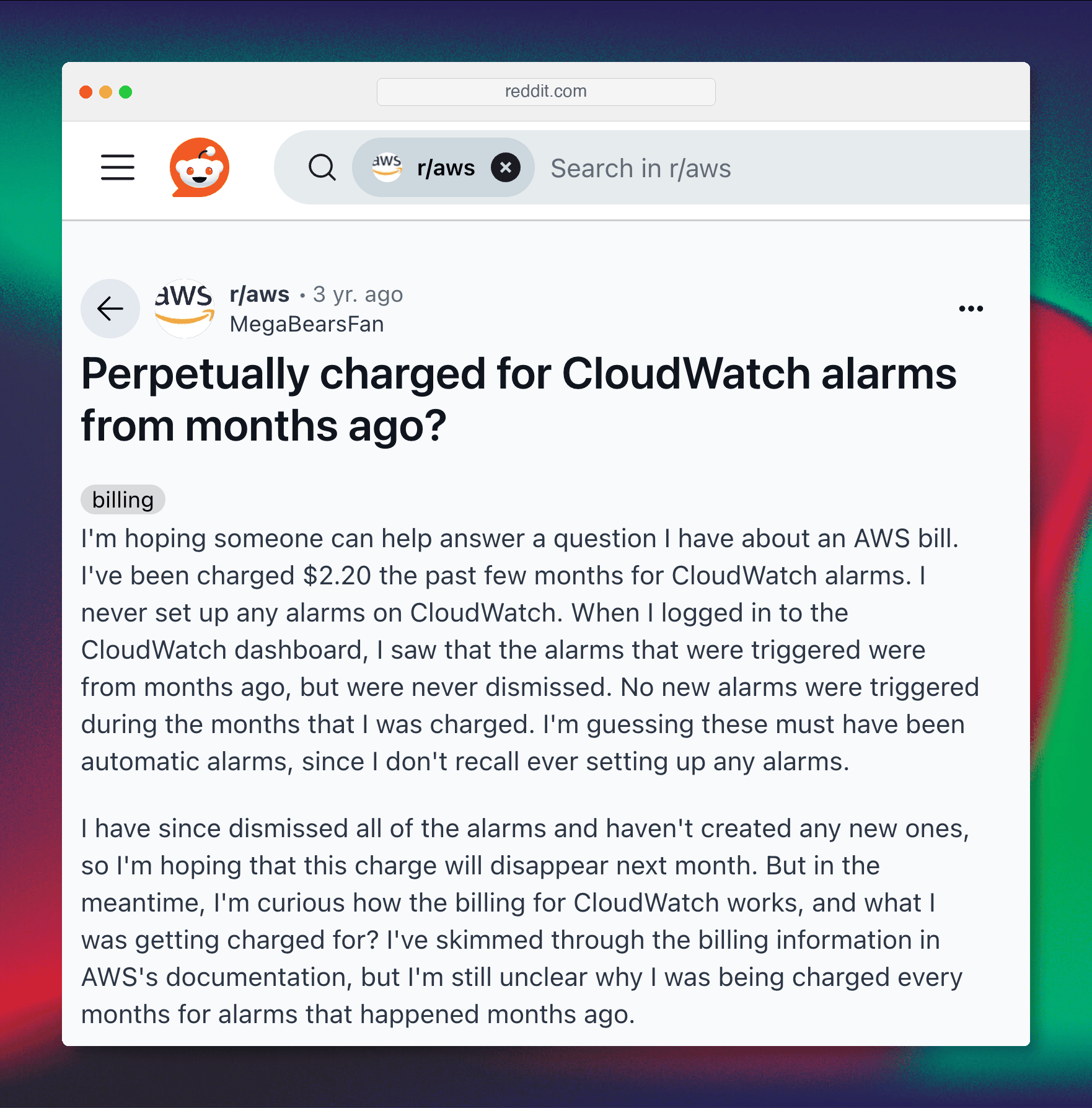
Reddit – Perpetually charged for CloudWatch alarms from months ago?
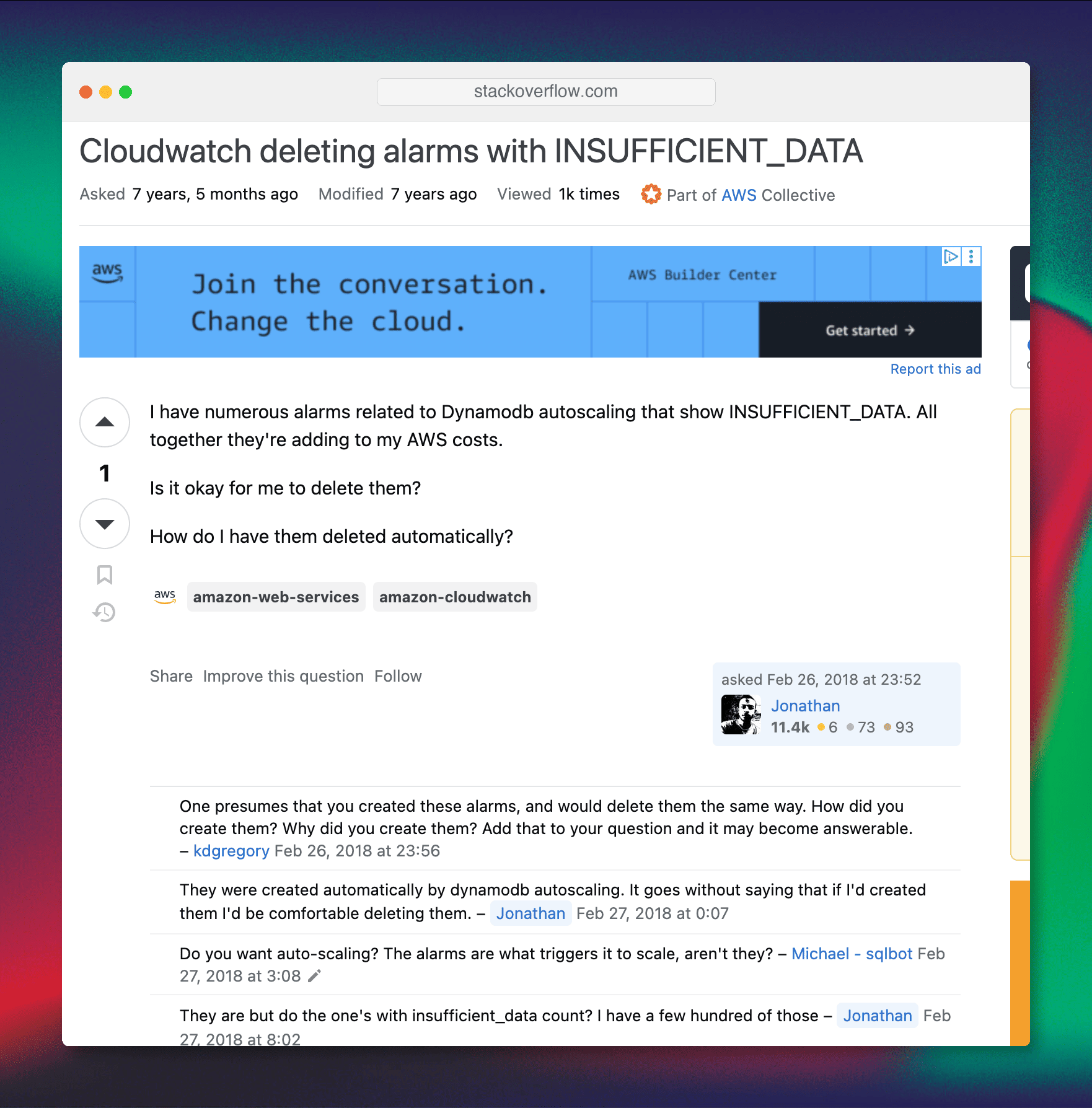
Cloudwatch deleting alarms with INSUFFICIENT_DATA
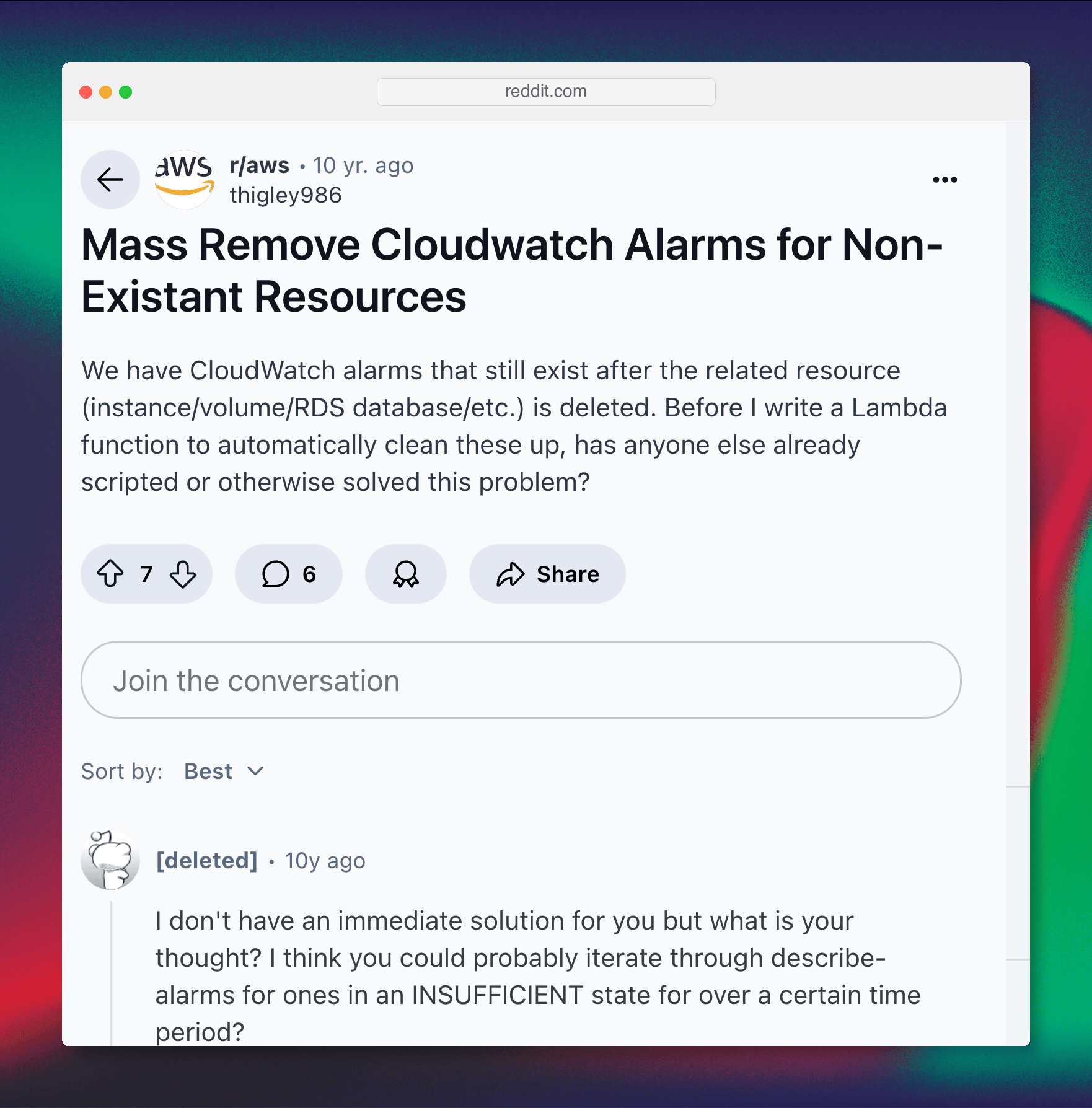
Mass Remove Cloudwatch Alarms for Non-Existant Resources
This is just a small sample of AWS users who have came across this issue. Note that one of the Reddit posts are 10 years old! Clearly, we are on to something. In the Stack Overflow post, we are seeing that people are trying to automate this. At CloudFix, we’ve already done this work, tested it, and delivered serious savings for our customers.
CloudFix CloudWatch Alarm Cleanup Points
- Alarms cost money whether they trigger or not
- Two dominant waste categories:
- Alarms that have been stuck without data for a long time (metrics disappeared or resources deleted)
- Alarms with no notification targets, so they never tell anyone anything
- In enterprise accounts, alarm sprawl routinely reaches thousands of alarms
- Real cost impact: documented cases show thousands of dollars wasted annually
A Concrete Example
An enterprise account discovered ~5,000 unused alarms across regions and accounts. Between standard, high-resolution, composite, and anomaly-detection alarms, their costs averaged out to roughly $1.60/alarm/month, about $8,000 per month. Deleting dormant and no-target alarms eliminated that spend while preserving meaningful monitoring.
How CloudFix’s Alarm Cleanup Finder/Fixers Work
CloudFix reviews your CloudWatch alarms read-only, across accounts and regions, and flags the clear-cut waste: alarms that have gone silent because the thing they watched is gone, and alarms that have no one to notify. The detection window is configurable. It combines your alarm inventory with regional price points to estimate current monthly costs and potential savings, with per-account and per-region rollups. Each opportunity appears in your Recommendations with its estimated savings, so you can review the list and delete the alarms you no longer need.
Cleaning up alarms is simple and reversible: you can recreate an alarm any time. Before deleting, it is good practice to make sure any alarm definitions you want to keep are captured in your infrastructure as code (e.g., CloudFormation/Terraform).
CloudFix Finder/Fixer
Here is what it looks like in the CloudFix UI:
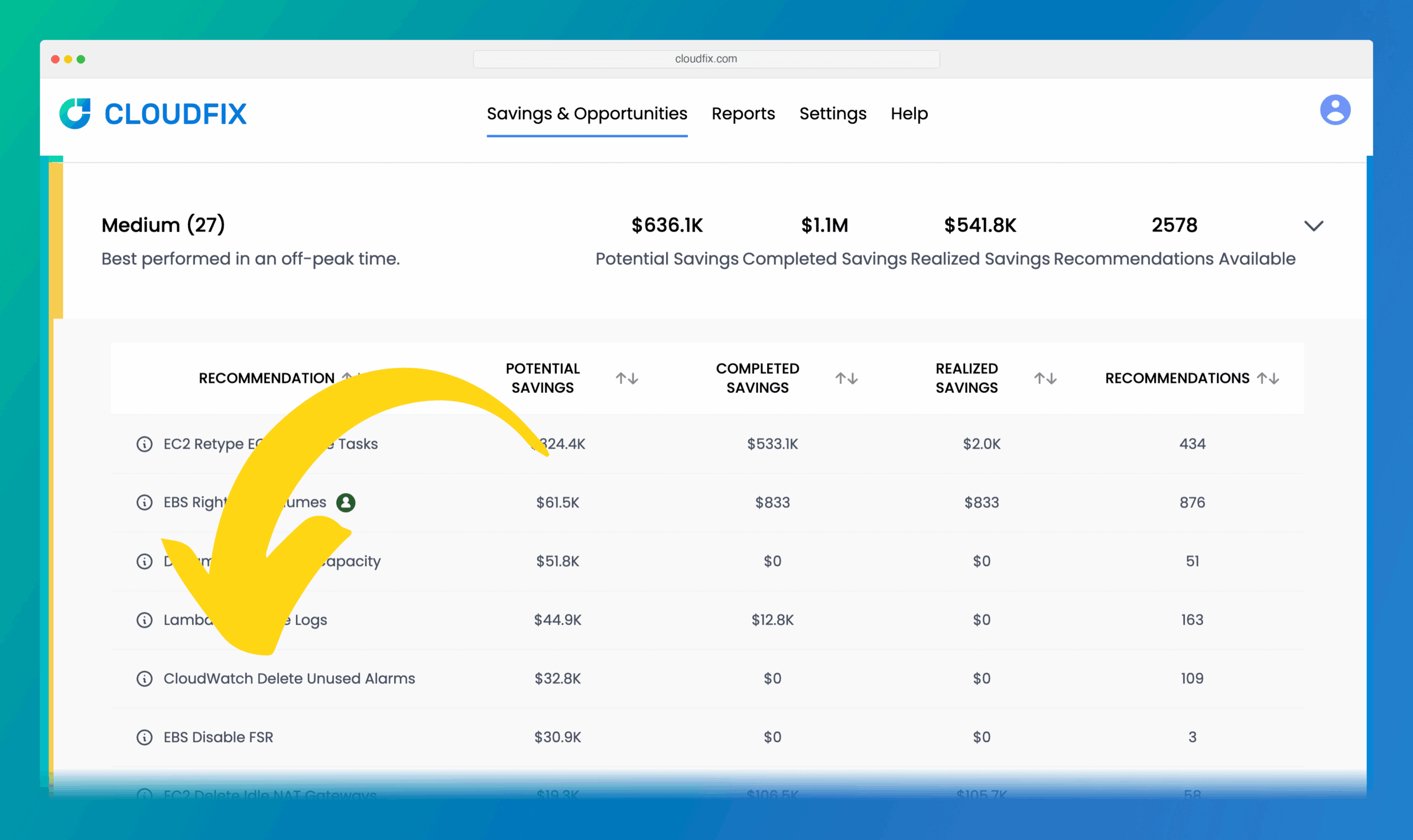
CloudWatch Delete Unused Alarms, a Medium-Difficulty Finder/Fixer
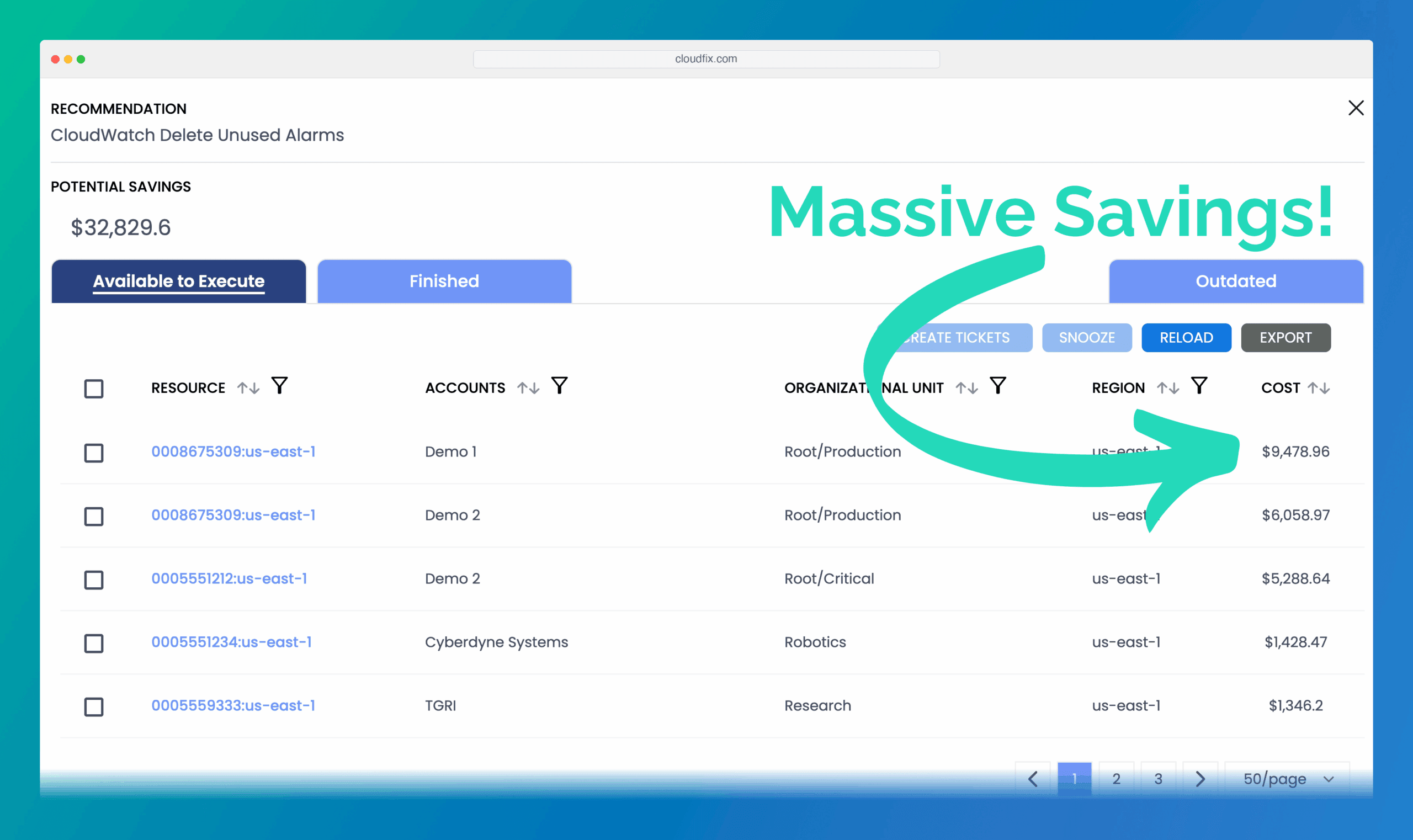
Potential Savings for Deleting Unused Alarms
CloudFix produces explainable reports: current inventory by account and region, candidate lists (names and counts), estimated monthly and annual savings, and before/after cost headlines.
Getting Started
Available now for all CloudFix customers in the “Medium” section. Point CloudFix at your accounts, review the findings, and clean up alarms with confidence.
Wrapping up and Call to Action
CloudWatch alarms are essential, but only when they’re meaningful. Silent, stuck, or target-less alarms quietly add up. CloudFix helps you find and remove the clutter so you keep the signals and drop the noise (and the bill).
If you’re a CloudFix customer, log in and try the CloudWatch Alarm Cleanup now. If not, look for alarms that have gone silent or notify no one, remove them, and consider CloudFix to keep it tidy over time.