CloudFix Feature
Find Idle AWS Transfer Family Endpoints
Find and delete idle AWS Transfer Family endpoints incurring hourly charges with zero file transfers. Identify unused SFTP and FTP endpoints to reduce costs.

Introduction
AWS Transfer Family is a bridge between traditional file transfer protocols like SFTP/FTP and S3.
The purpose of Transfer Family is to allow data ingest into S3, without needing to change the client to support S3.
This can be used for recurring data transfer tasks, such as an hourly log dump.
At the same time, Transfer Family can also be used when you need a short-lived SFTP server during a one-off data migration process.
Transfer Family acts as a server, and these servers are called Endpoints. Each endpoint supports 1 protocol, and is billed at $0.30/hour/protocol.
If you are hosting endpoints for all 3 protocols, SFTP, FTP, and FTPS, this will cost $0.90/hour, or $648/month.
There’s no reason to be paying that if you don’t need to be.
In this article, let’s talk about how CloudFix finds idle Transfer Family endpoints, and what to do about them.
Identifying Idle Transfer Family Endpoints
An idle endpoint is one with no data going into or out of it. Finding is read-only: CloudFix uses your cost and usage data and Transfer Family’s own CloudWatch metrics to find endpoints that have had no file transfer activity over the lookback period, which is configurable. Idle endpoints appear in your Recommendations, with extra context to help you decide.
This approach helps identify Transfer Family endpoints that are unnecessarily consuming your AWS budget.
How to Delete a Transfer Family Endpoint
This is a guided fix: CloudFix flags the idle endpoint, and you make the change. Once you’ve confirmed an endpoint is no longer needed, delete the server from the AWS Transfer Family console (or with the AWS CLI if you prefer). Once it’s deleted, you will no longer be billed for it.
Impact
The most important thing is that deleting a Transfer Family endpoint does not affect the underlying data in the S3 bucket.
An endpoint is a path to the S3 bucket, but the endpoint itself does not store data.
The financial impact is easy to calculate.
Each removed endpoint is $0.30/protocol/hour.
This means approximately $2600-$7900 per endpoint in annualized savings.
Using CloudFix to Find Idle Transfer Family Endpoints
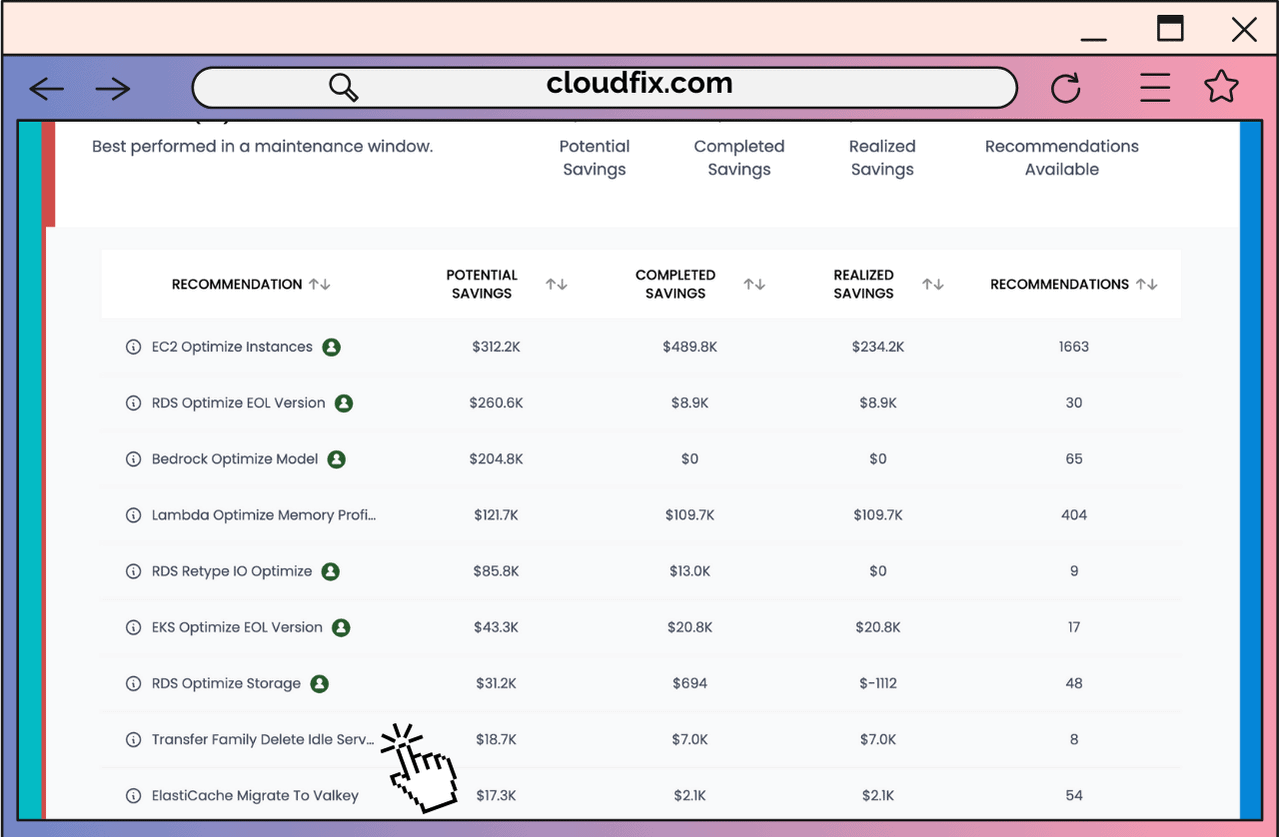
Find the “Transfer Family Delete Idle Servers” in the Advanced Section
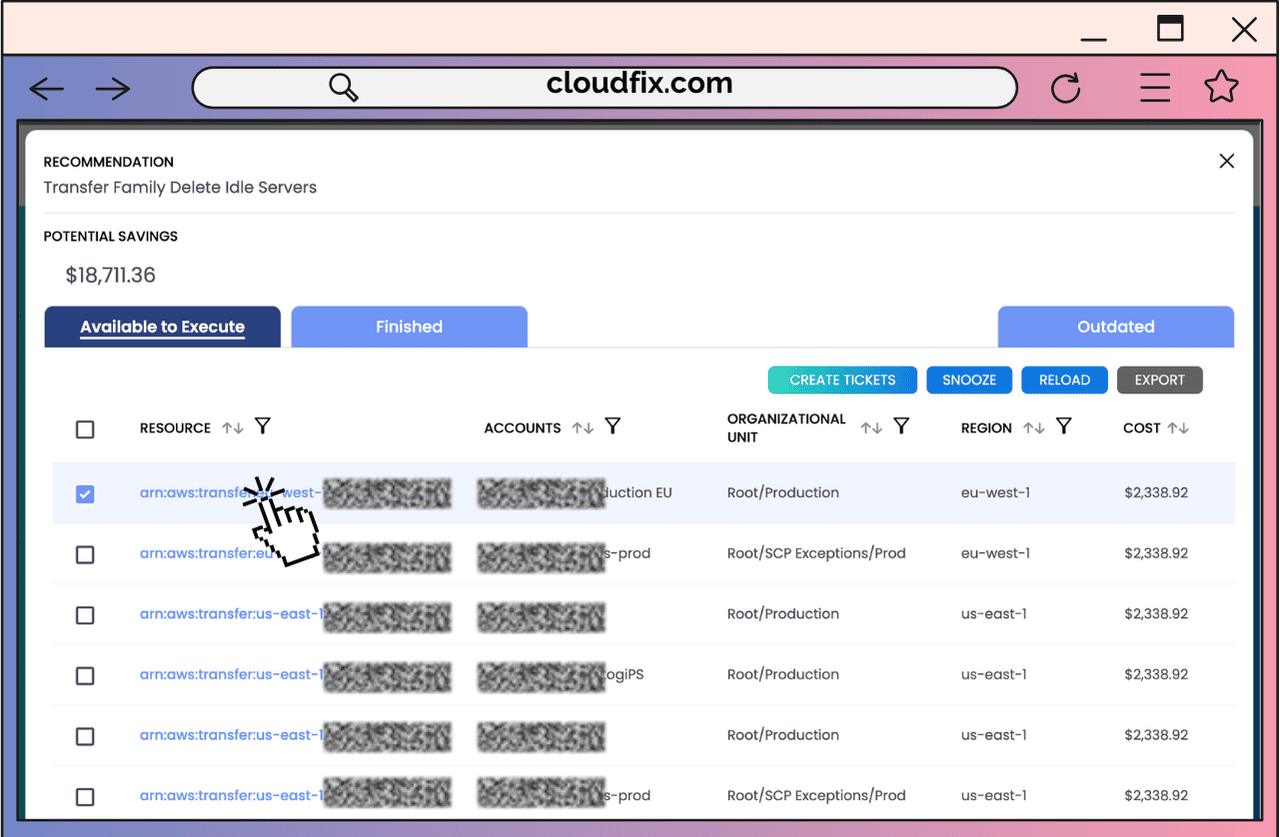
Click on the Transfer Family to be taken to the AWS Management Console, at the page for that Transfer Family
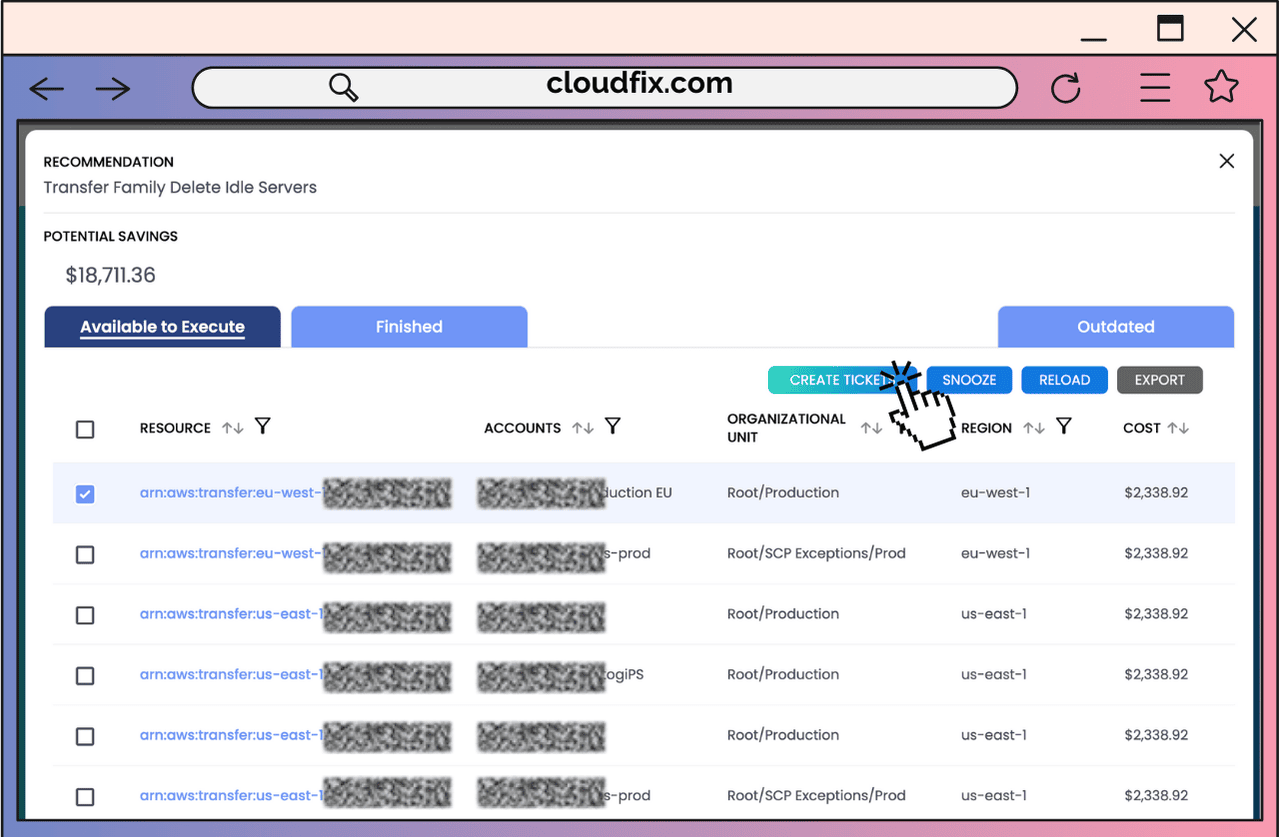
Note that each of these idle Transfer Family endpoints are showing ~$2300 in annualized savings! We want you to recover those savings and do something great with them!
Ready to start saving on AWS? See how much you could cut from your cloud bill with a free cost optimization assessment, or explore CloudFix automated Finder/Fixers that eliminate waste across 30+ AWS services.
Related Articles
- AWS Cost Optimization: The Complete Guide to Lowering Your Cloud Bill (2026)
- AWS Cost Optimization Tools: The Complete Comparison Guide (2026)
- RightSpend vs ProsperOps (Flexera): The Independent EC2 Discount Alternative
- CloudFix Finder: SageMaker Rightsize Instances (Manual Fix)
- CloudFix Finder: EMR Reserve Instances (Manual Fix)